
Self Help Guides
INTERACTIVE USER GUIDE FOR ALL TOSHIBA eSTUDIO DEVICES
This guide demonstrates how a navigate different settings on your Toshiba eSTUDIO device. Whilst this guide relates the the latest ’25 series, the touch screen is similar to the previous ’15 and ’05 range.
Click the link below to get started and easily learn how to create specific settings tailored to your needs
Launch Interactive User Guid
Waste Toner Replacement
This guide demonstrates how a waste toner is replaced on a Toshiba e-studio device.
It is important to note that you may be alerted to ‘Waste Toner Low Ready Replacement’ on the device, however the waste toner bottle does not need replacing until the machine stops printing and alerts that it is full.
Video
Video

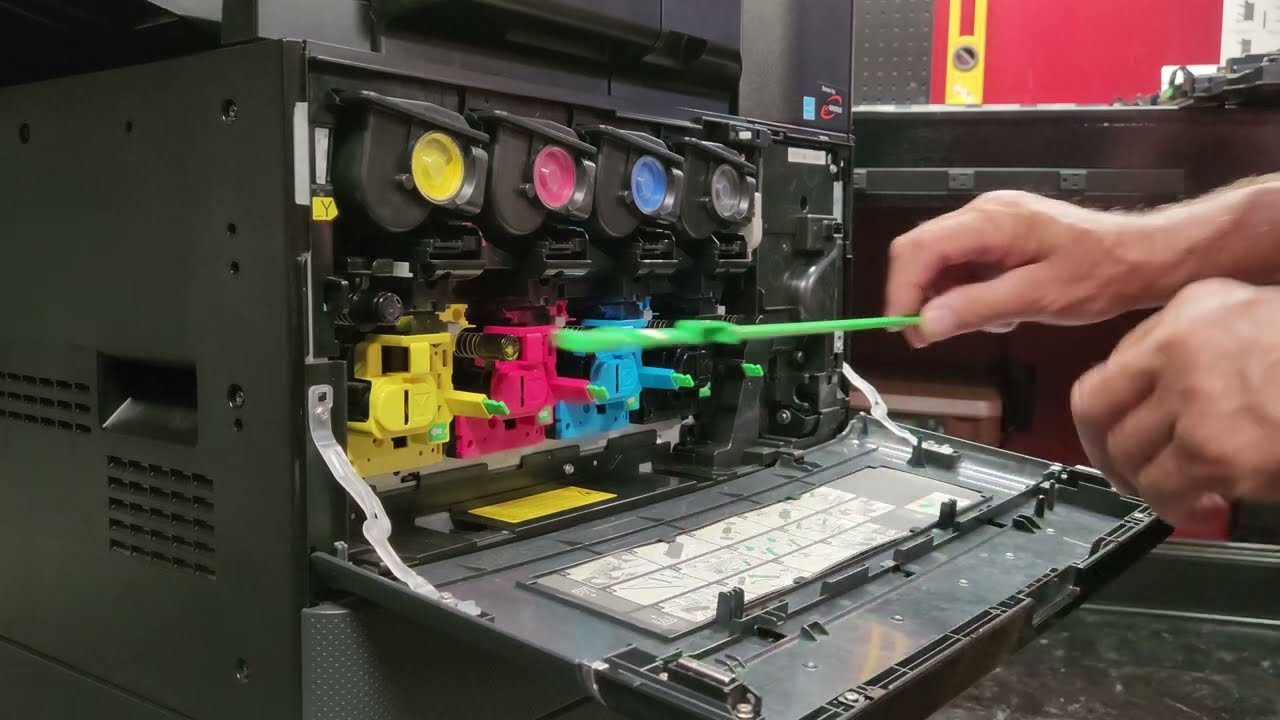
Cleaning Main Charge and laser slit glass
This guide demonstrates how to clean the Main Charge Units and Glass Slit on the Photocopying element of the device.
Video
Video
Replacing Staples on a Finisher
This guide demonstrates how to replace the staples on a Booklet Maker/Saddle Stitch Finihsre Unit. There are two types of staple finishers and wilst this video relates to the Booklet/Saddle Stitch, the principle of replacing the corner staples is the same, albeit they are typically found within another part of the unit.
Video


Tailored to your needs
We also offer a wide range of Mono only MFP’s & desktop print devices which may be better suited to your requirements, please get in touch with one of the team for further information
